MOBILE APP
The FlyHR Mobile App
The FlyHR app puts FlyHR on the phones of your employees. Employees check in, request leave, see their leave balance, and find their teammates. HR managers also review the leave requests of their team.
The app works on Android and iOS. It reads and saves all data on your own WordPress site. The App Bridge plugin connects the app to your site.
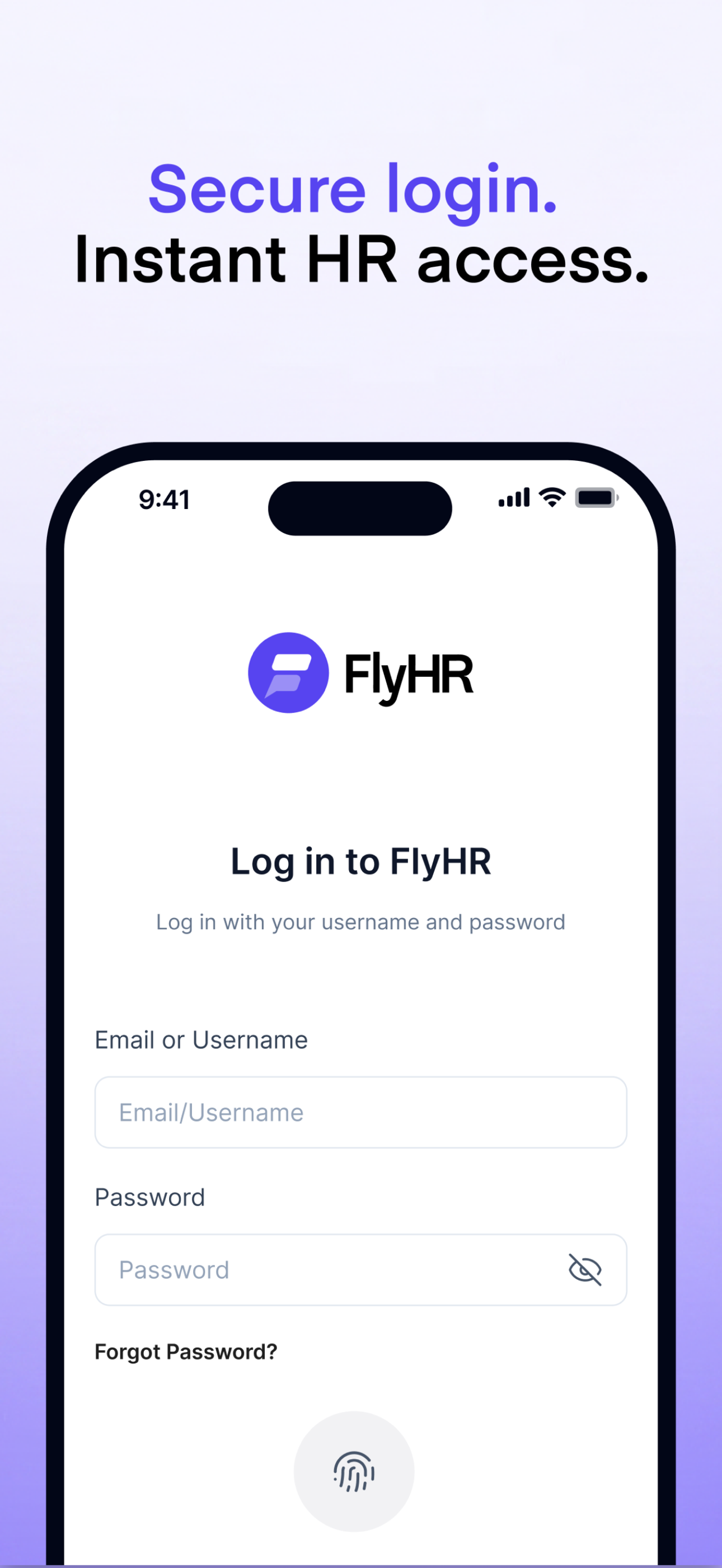
Two ways to get the app
| Standard app | Custom-branded app | |
|---|---|---|
| Name in the stores | FlyHR – for WPERP | Your app name |
| Logo and colors | FlyHR | Yours |
| Plans | FlyHR Pro Agency (included) | Any paid FlyHR Pro plan (separate order) |
| Store accounts | FlyHR's Google Play and App Store listings | Your own Google Play and App Store accounts |
| License in App Bridge | Your FlyHR Pro Agency key. No extra key. | The app license key of your order |
| Set up | Set Up the Free FlyHR App | Set Up a Custom-Branded App |
The same app also works for WP ERP sites. App Bridge tells the app which plugin your site uses.
What employees can do
Check in and check out
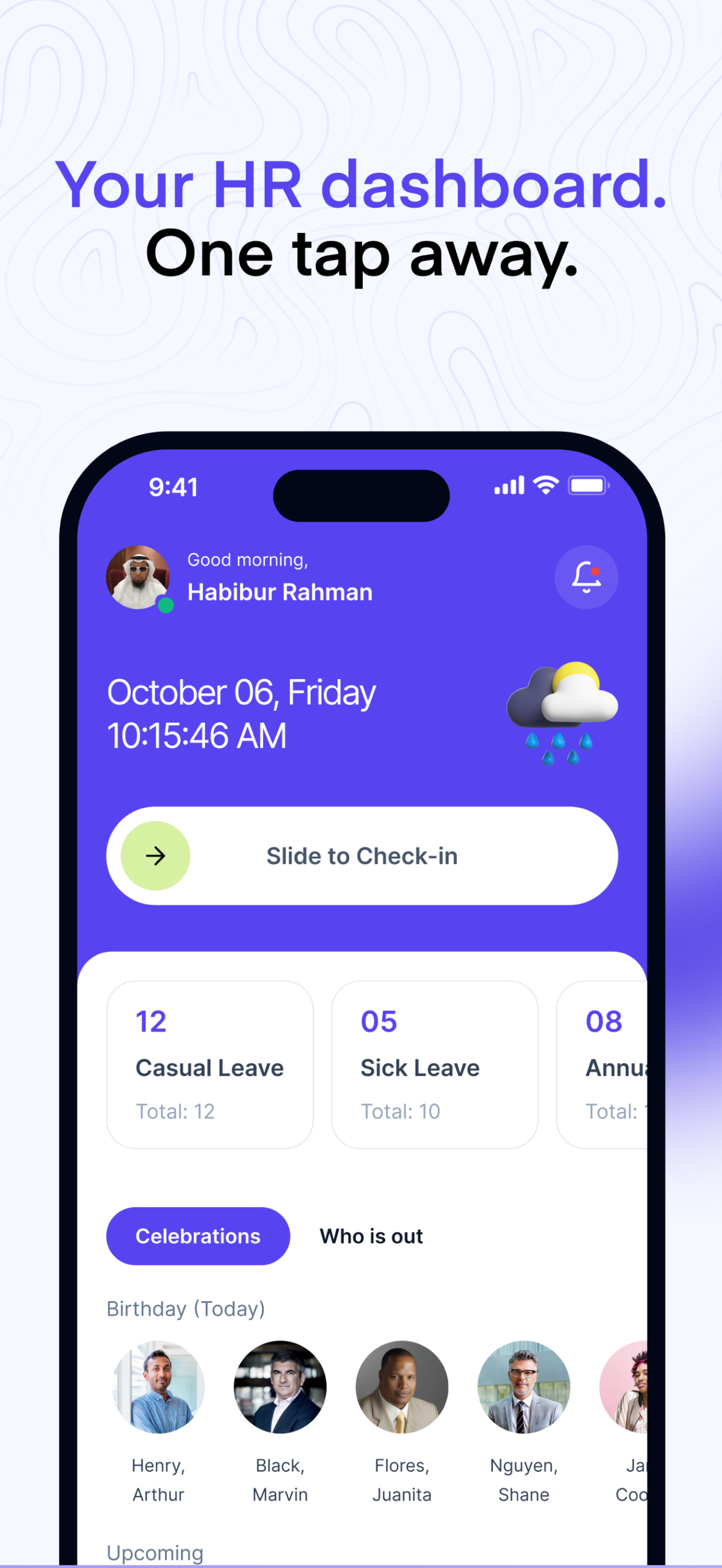
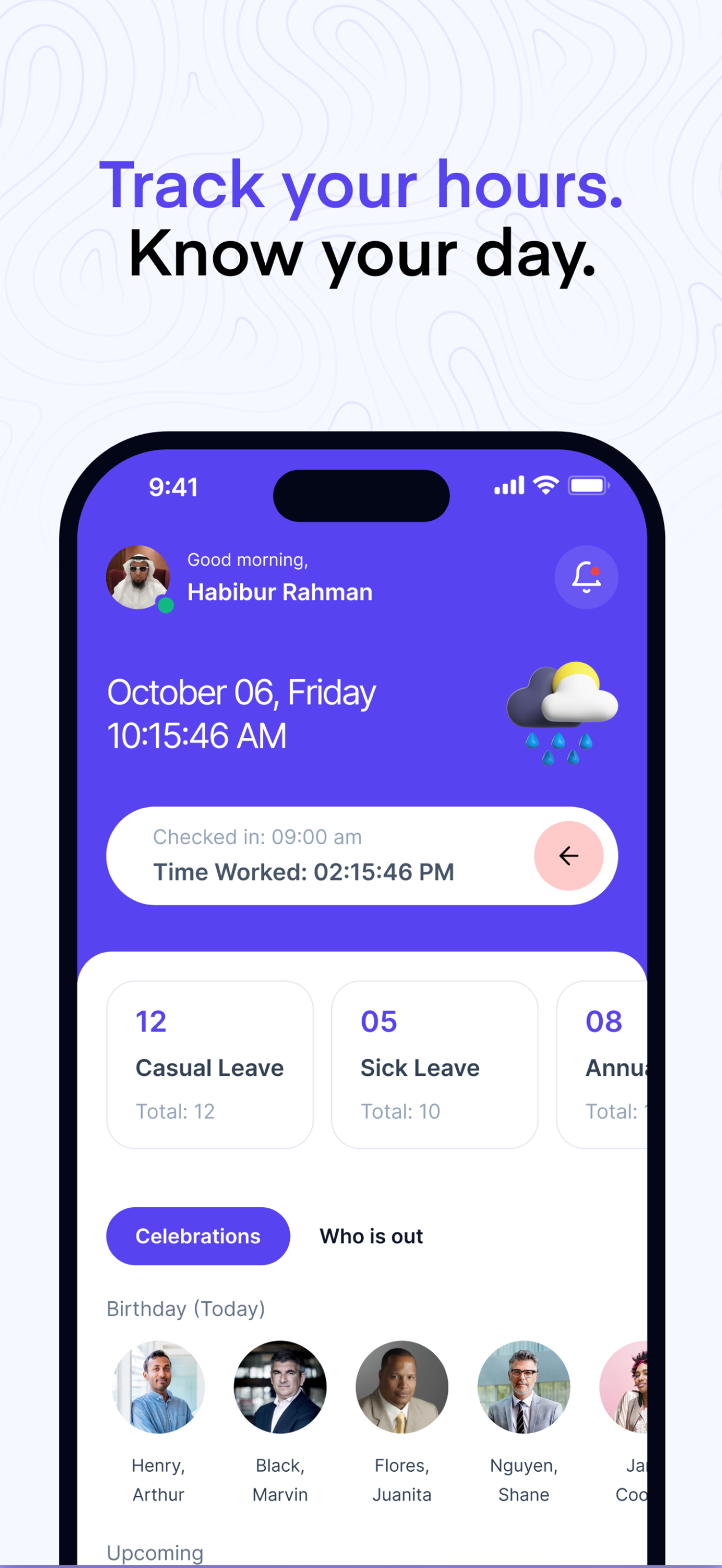
The home screen shows the date, the time, and the weather. Employees slide the button to check in. After check-in, the app shows the time worked today. Check-in needs the FlyHR Pro Attendance module and a shift for the employee.
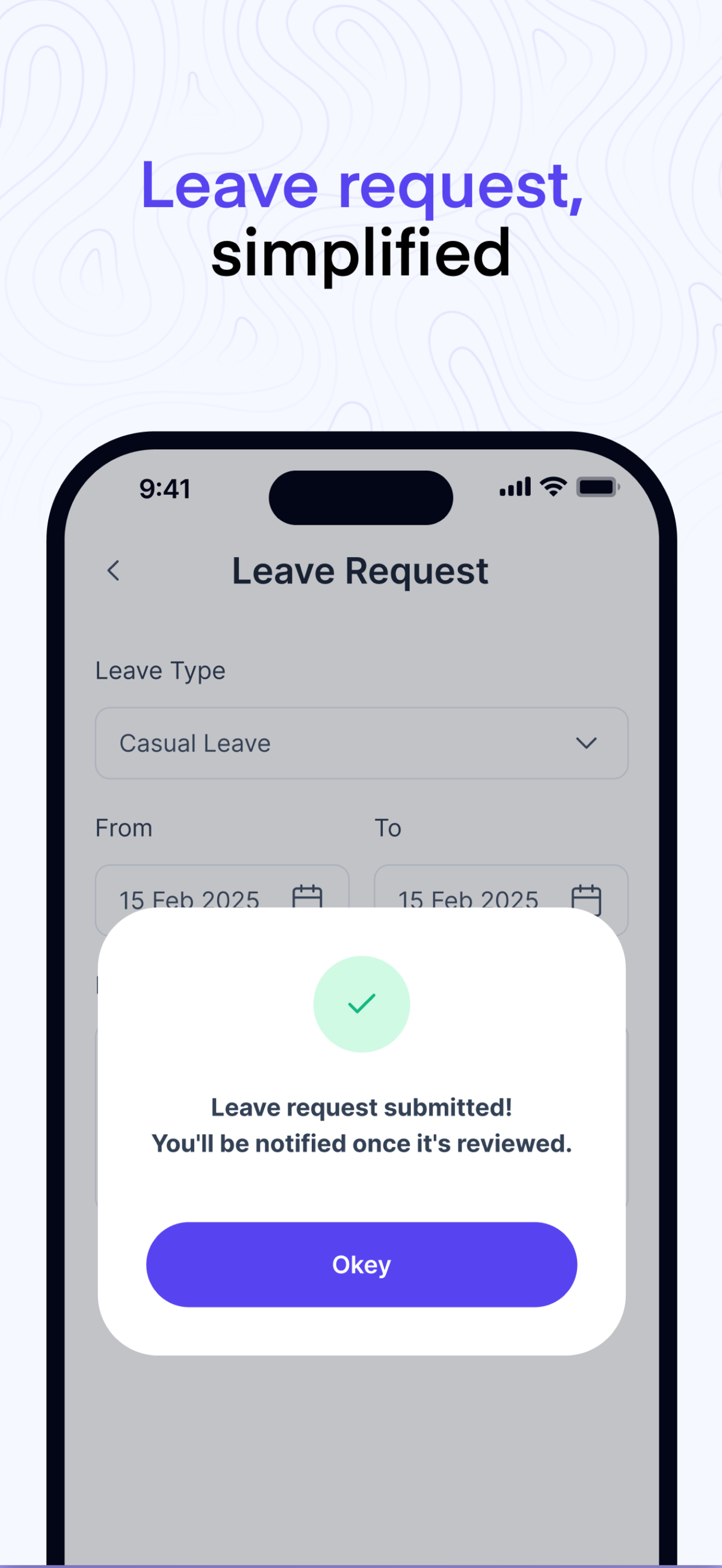
Request leave and see the balance
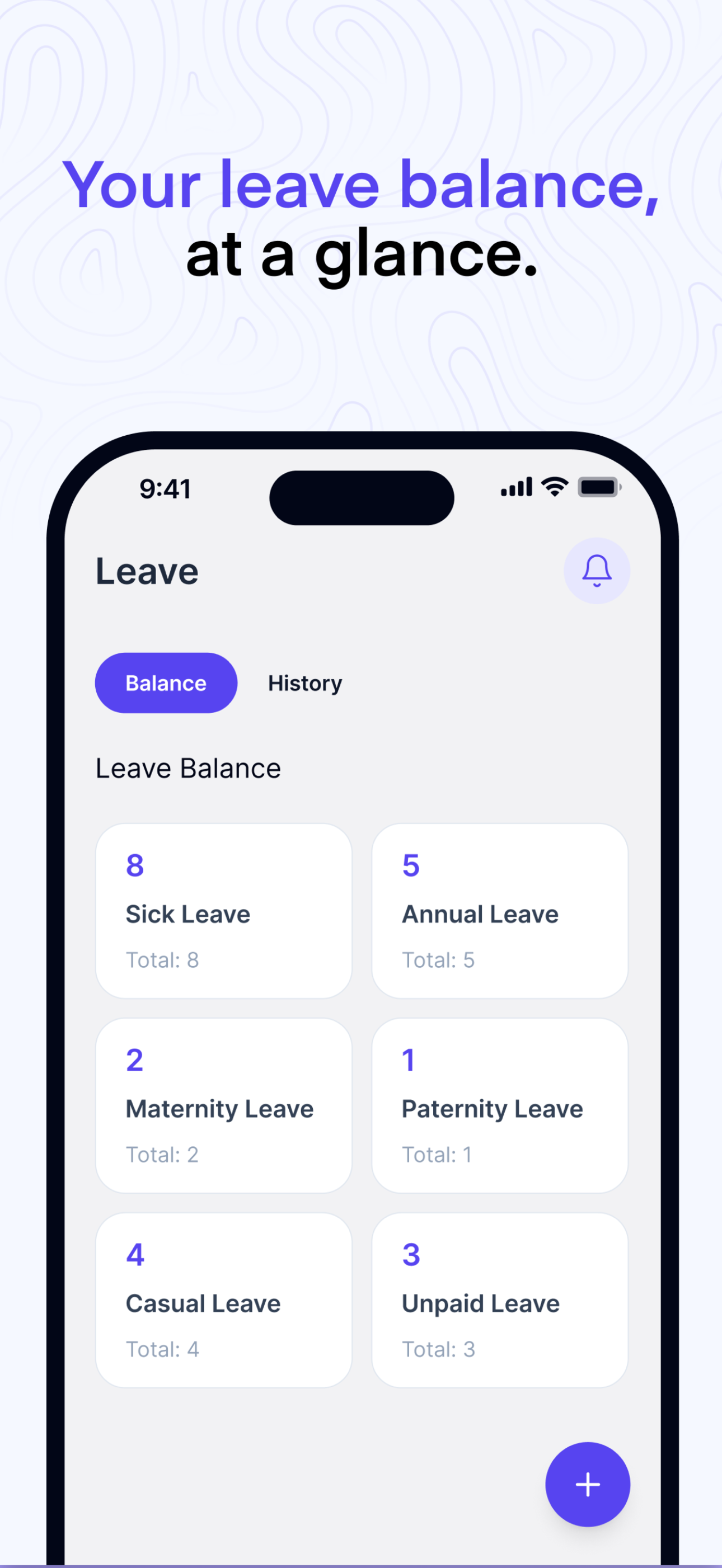
The Leave screen shows the balance of each leave type and the history of requests. Employees tap + to request leave. The app tells them when HR reviews the request.
See the calendar
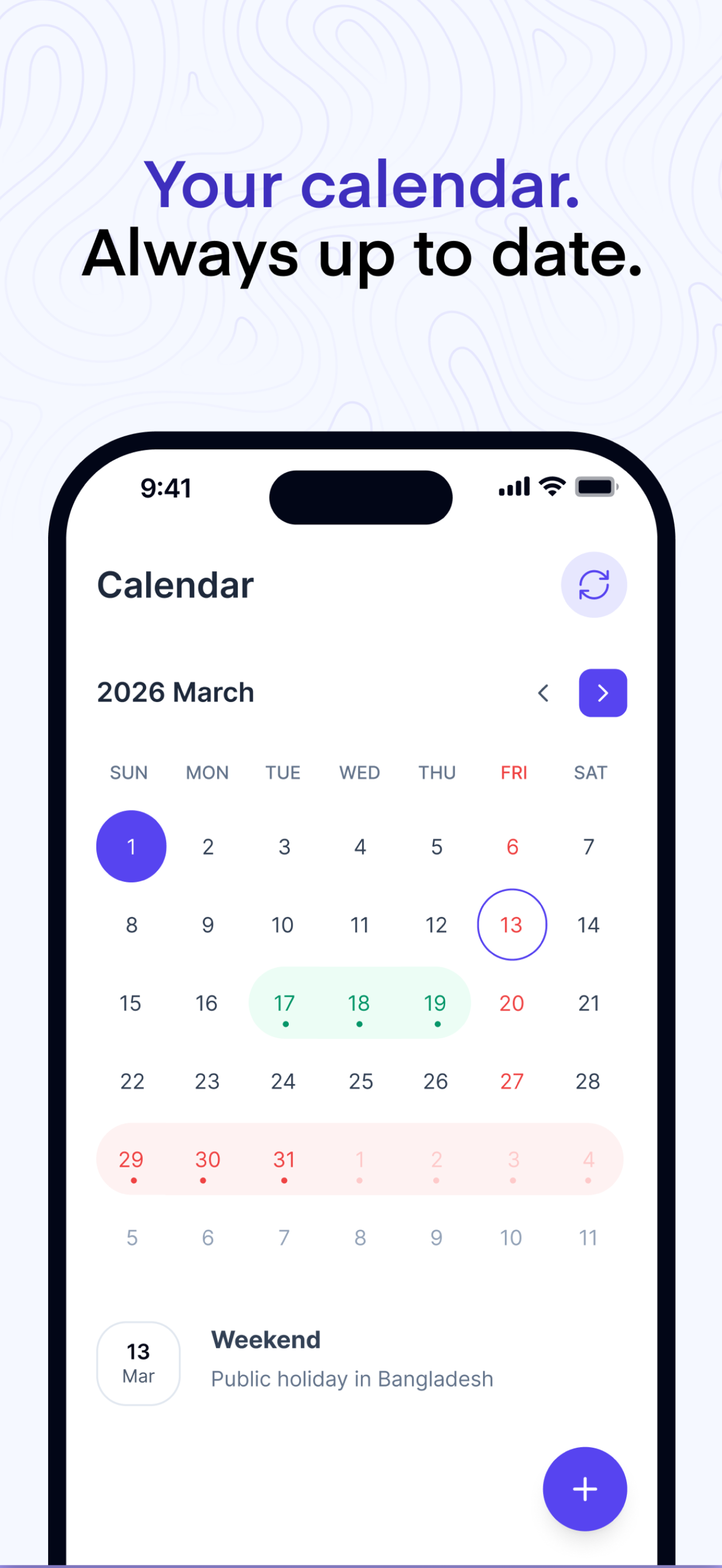
The calendar shows leave, holidays, and weekends for each month.
Find a teammate
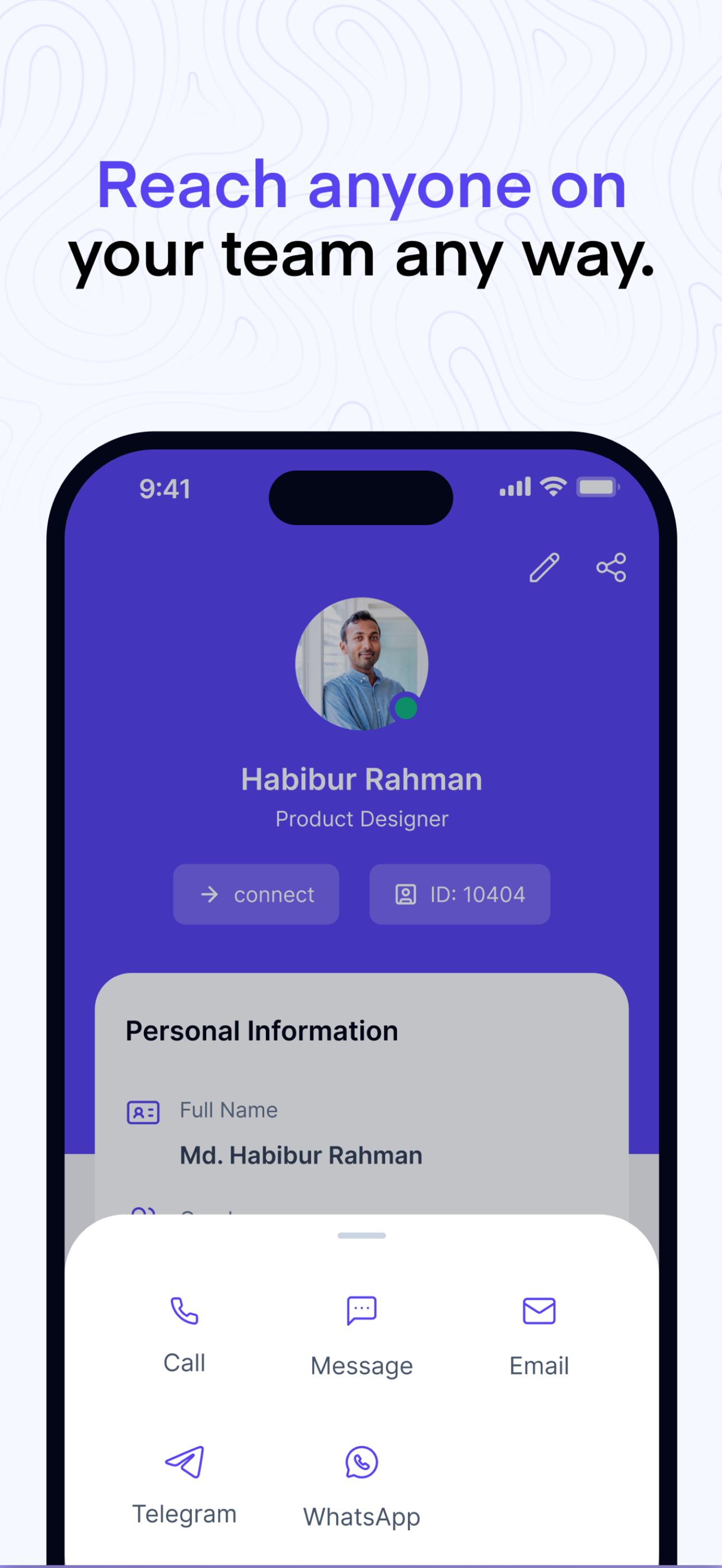
The people directory shows each employee with their photo, job title, and contact details. Employees can call, send a message, send an email, or open Telegram or WhatsApp from the profile.
Other features
- See birthdays and who is out today on the home screen.
- Read company announcements.
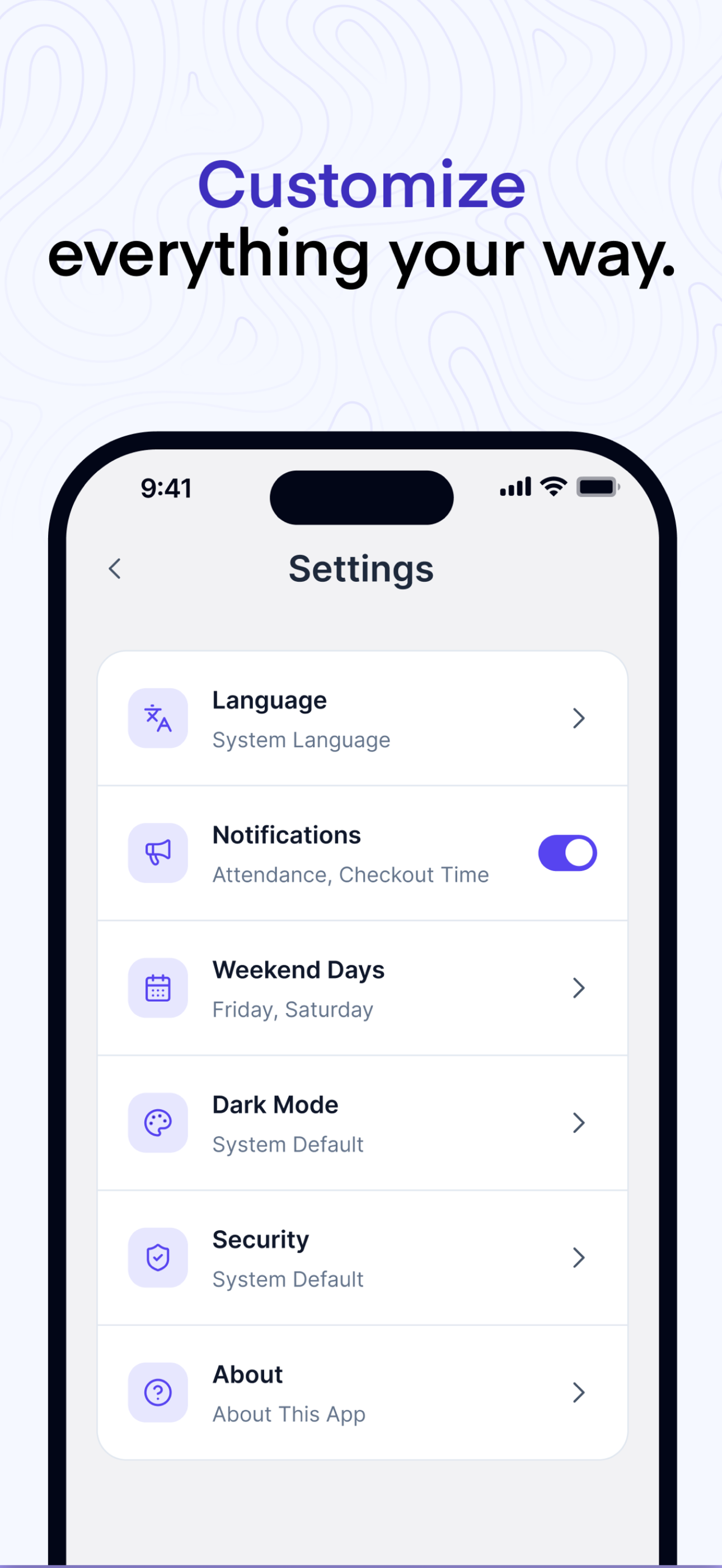
- Change the language, notifications, weekend days, and dark mode in Settings.
- Sign in with Face ID, Touch ID, or a fingerprint. See Sign In to the App.
What HR managers can do
HR managers and administrators use the same app. They also:
- Review and approve the leave requests of their team.
- Open Recruitment from the menu: see the job openings, the candidates, and the hiring stages. Recruitment needs the FlyHR Pro Recruitment module.
The app shows only the modules that are on in your site. For example, without the Attendance module, the app does not show check-in.
What you need
- FlyHR and FlyHR Pro, installed and active.
- The App Bridge plugin, installed and active. See App Bridge.
- One of these:
- an active FlyHR Pro Agency license, for the standard app
- an app license key, for a custom-branded app
- Each person who uses the app must have the Employee role. See Sign In to the App.
Download the app
- Google Play: FlyHR – for WPERP
- App Store: FlyHR – for WPERP