GETTING STARTED
EMPLOYEE REQUESTS
PAYROLL
REIMBURSEMENT
DOCUMENTS AND FIELDS
RECRUITMENT
AUTOMATION AND NOTIFICATIONS
ADVANCED LEAVE
Unpaid Leave
This feature is part of FlyHR Pro on the Starter, Business, and Agency plans.
When an employee takes more leave than their balance, the extra days are unpaid. The Unpaid Leaves page lists these days and calculates their cost from the pay rate of each employee. Use the list to take the amount from the pay of the employee.
Before you start
- You must be a WordPress administrator or an HR manager.
- Extra Unpaid Leave must be on in Settings → Leave. Without it, employees cannot request more days than their balance. See Settings.
- Each employee must have a Pay Rate on their profile. Without a pay rate, FlyHR cannot calculate an amount.
Step 1: Open Unpaid Leaves
- In the top menu, open Leave.
- Click Unpaid Leaves.
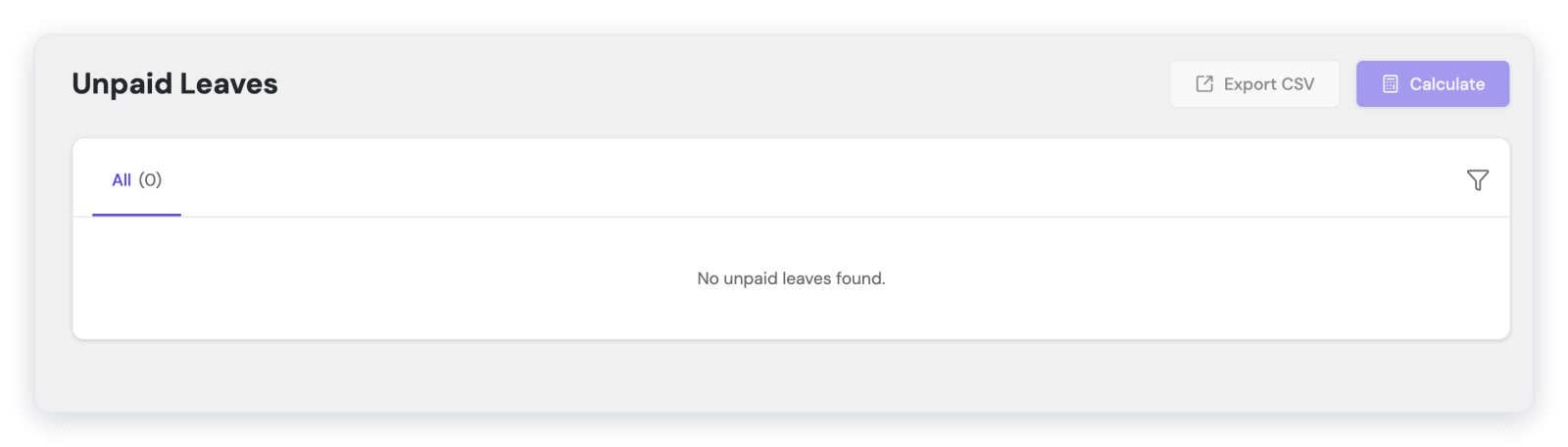
FlyHR lists each unpaid leave of the current leave year. To see another year, click the filter icon and select the Year.
| Column | What it shows |
|---|---|
| Employee, Policy | The employee and the leave policy of the request. |
| Days | The unpaid days of the request. |
| Year | The leave year. |
| Start, End | The dates of the leave. |
| Amount/day | The cost of one day. |
| Total | The days multiplied by the amount for each day. |
Step 2: Calculate the amounts
Click Calculate. FlyHR sets the amount for each day of each row: the pay rate of the employee divided by 30. Then it calculates the total.
If no employee in the list has a pay rate, FlyHR shows "Nothing to price: no employee on this list has a pay rate set."
To use a different amount for one row, change the Amount/day in that row. FlyHR saves the new amount and calculates the total again.
Step 3: Export the list
Click Export CSV to download the list. Use the file to take the unpaid days from the pay of each employee.