PEOPLE
LEAVE
REPORTS
GETTING STARTED
Install FlyHR
FlyHR is a free plugin on WordPress.org. Install it from your WordPress admin, like any other plugin. When you activate it, FlyHR opens the setup wizard.
Before you start
- You must be a WordPress administrator.
- Your site must use WordPress 6.6 or newer and PHP 8.0 or newer.
Step 1: Find FlyHR
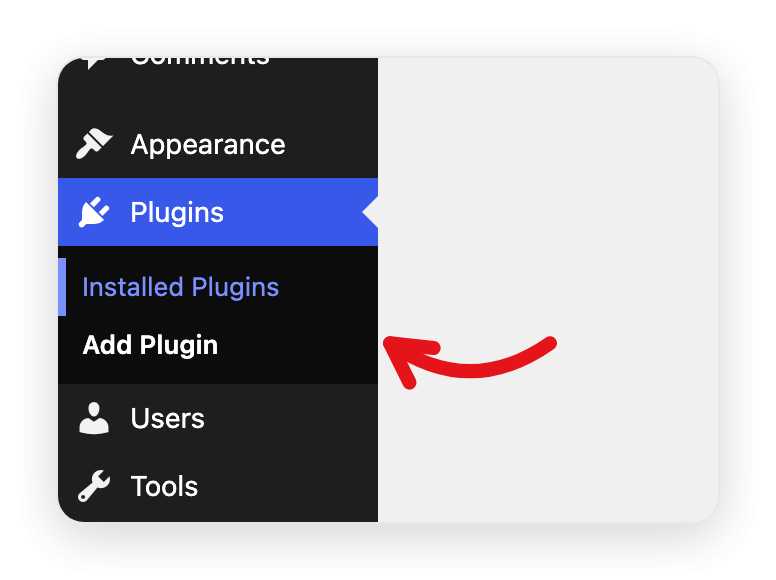
- In your WordPress admin, go to Plugins → Add Plugin.
- In the search box, type FlyHR.
- Find FlyHR: HR Management & Leave Management, Unlimited Employees by weDevs.
Step 2: Install and activate
- Click Install Now.
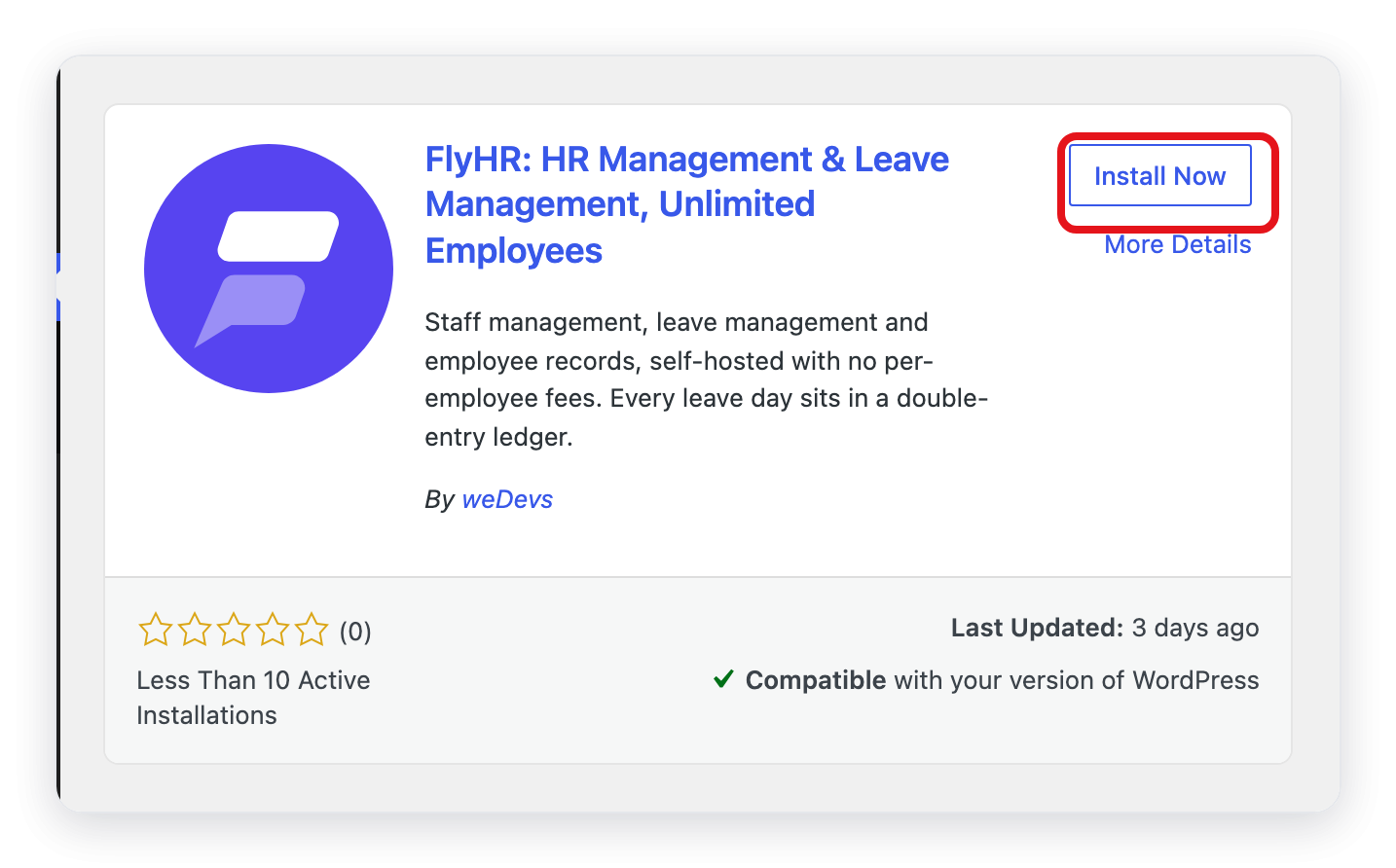
- When the installation is done, click Activate.
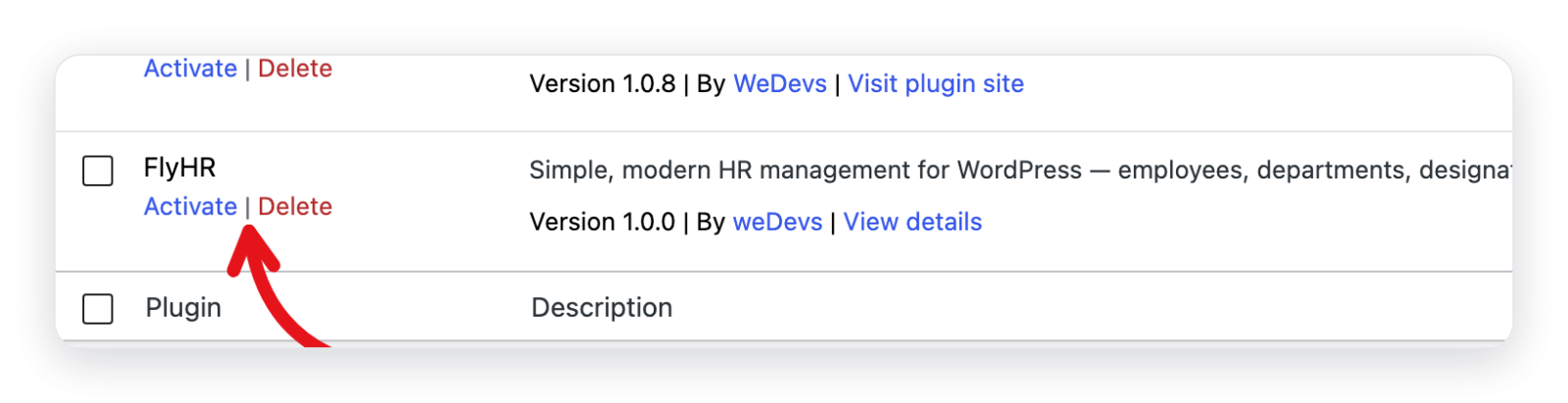
You can also activate FlyHR from Plugins → Installed Plugins. Find FlyHR in the list and click Activate.
Result
FlyHR opens the setup wizard. The wizard sets up your company, departments, job titles, leave, and work days in a few minutes. See Set Up FlyHR with the Setup Wizard.
FlyHR adds the FlyHR menu to your WordPress admin. FlyHR also gives the HR Manager role to each administrator of the site.
Install from a zip file
If you have the FlyHR zip file, you can upload it:
- Go to Plugins → Add Plugin.
- Click Upload Plugin at the top of the page.
- Click Choose File and select the zip file.
- Click Install Now, then click Activate Plugin.
Install FlyHR Pro
FlyHR Pro adds modules such as attendance, payroll, and recruitment. FlyHR Pro needs the free FlyHR plugin. Install and activate FlyHR first. See Install FlyHR Pro.