PEOPLE
LEAVE
REPORTS
LEAVE
Leave Calendar
The leave calendar shows who is out on each day, with the holidays and the weekends of your company. Use it to plan work and to check a request before you approve it.
Before you start
- You must be a WordPress administrator or an HR manager.
- Employees see their own leave and the holidays in the My Calendar card on their dashboard.
Step 1: Open the calendar
- In the top menu, open Leave.
- Click Calendar.
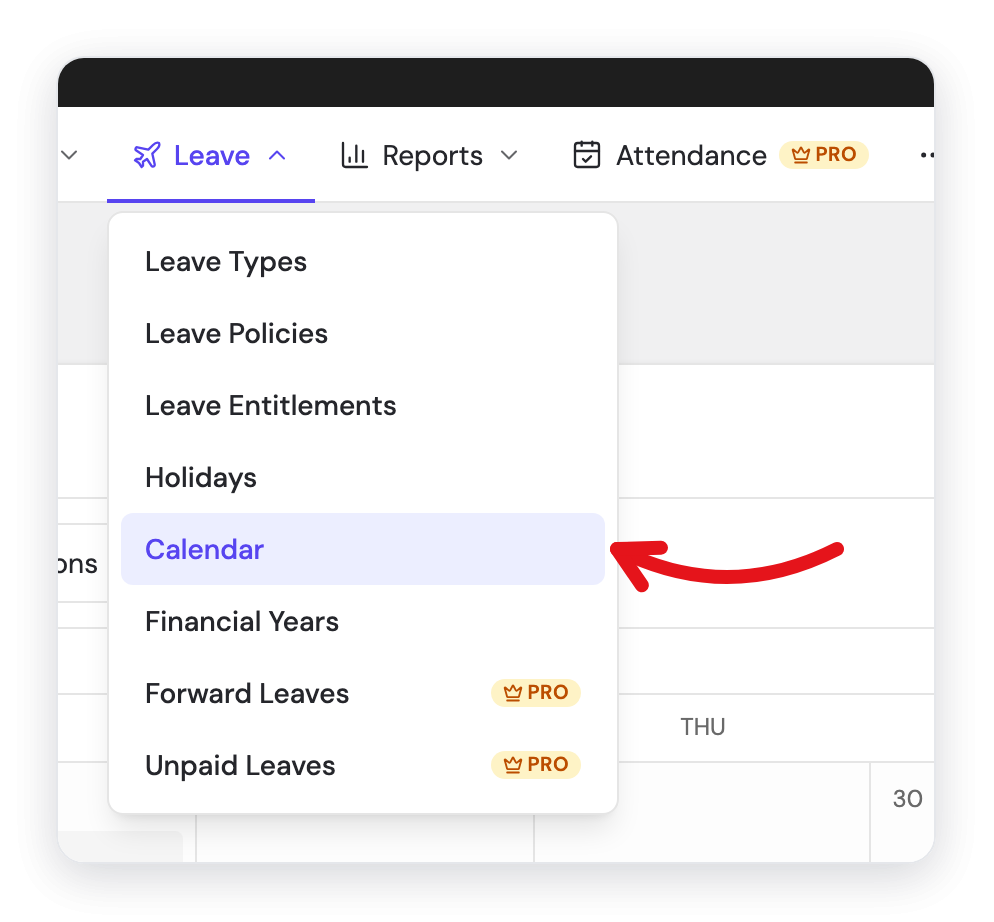
The calendar opens on the current month.
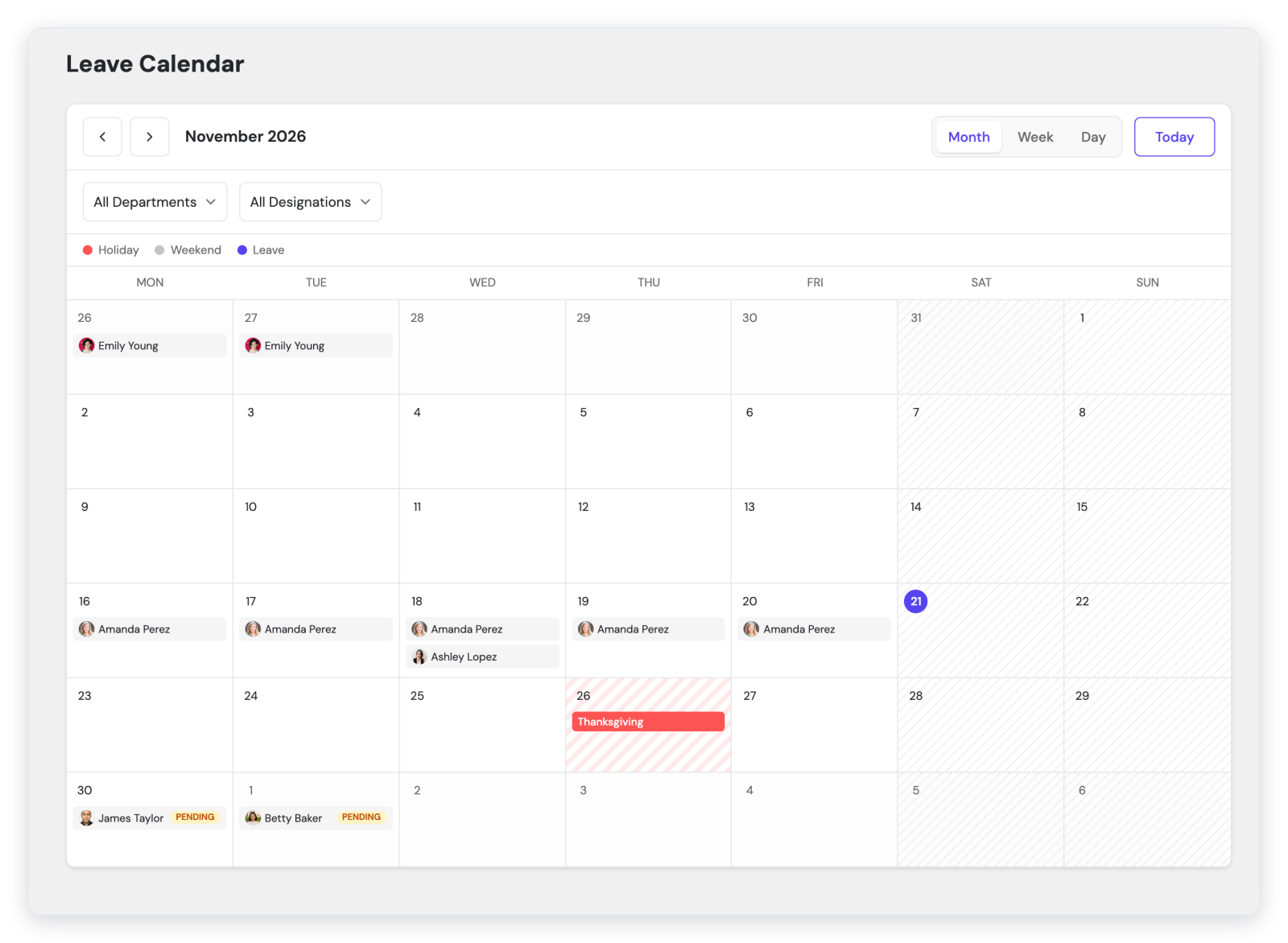
Each name on a day is an employee on leave. A request that waits for approval shows the Pending label. Holidays show in red. Weekends have a striped background.
Step 2: Change the view
Use the bar at the top of the calendar.
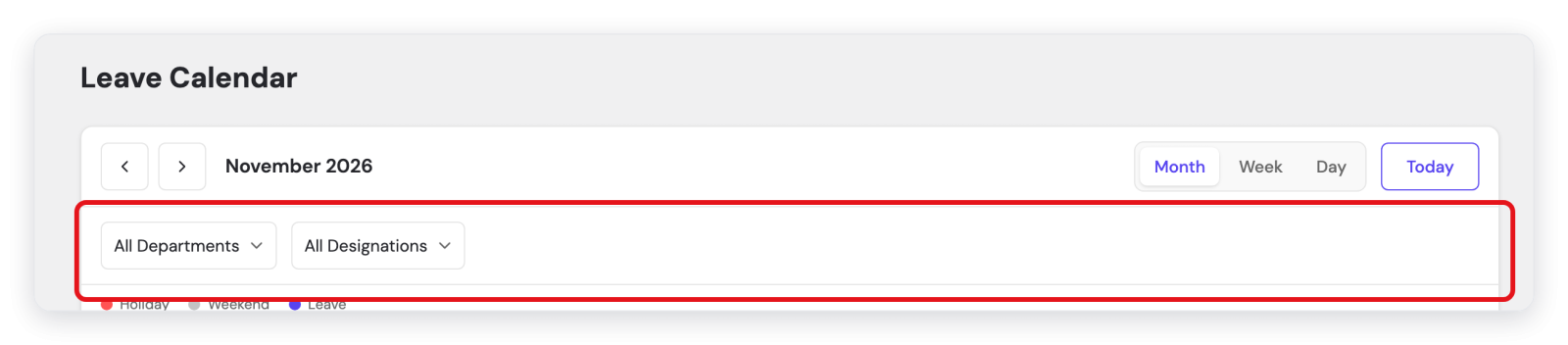
| Control | What it does |
|---|---|
| Arrows and month name | Go to the month before or after. |
| Month, Week, Day | Show one month, one week, or one day. |
| Today | Go back to the current day. |
| All Departments | Show the leave of one department only. |
| All Designations | Show the leave of one designation only. |
Half-day leave shows AM or PM on the calendar. Half-day leave is part of FlyHR Pro.
Was this page helpful?